
Airflow Common AI Provider 1.0 Brings More Control to AI Agents
Airflow's Common AI provider reaches 1.0 with tool approval, LLM-assisted retries and replayable agent runs.
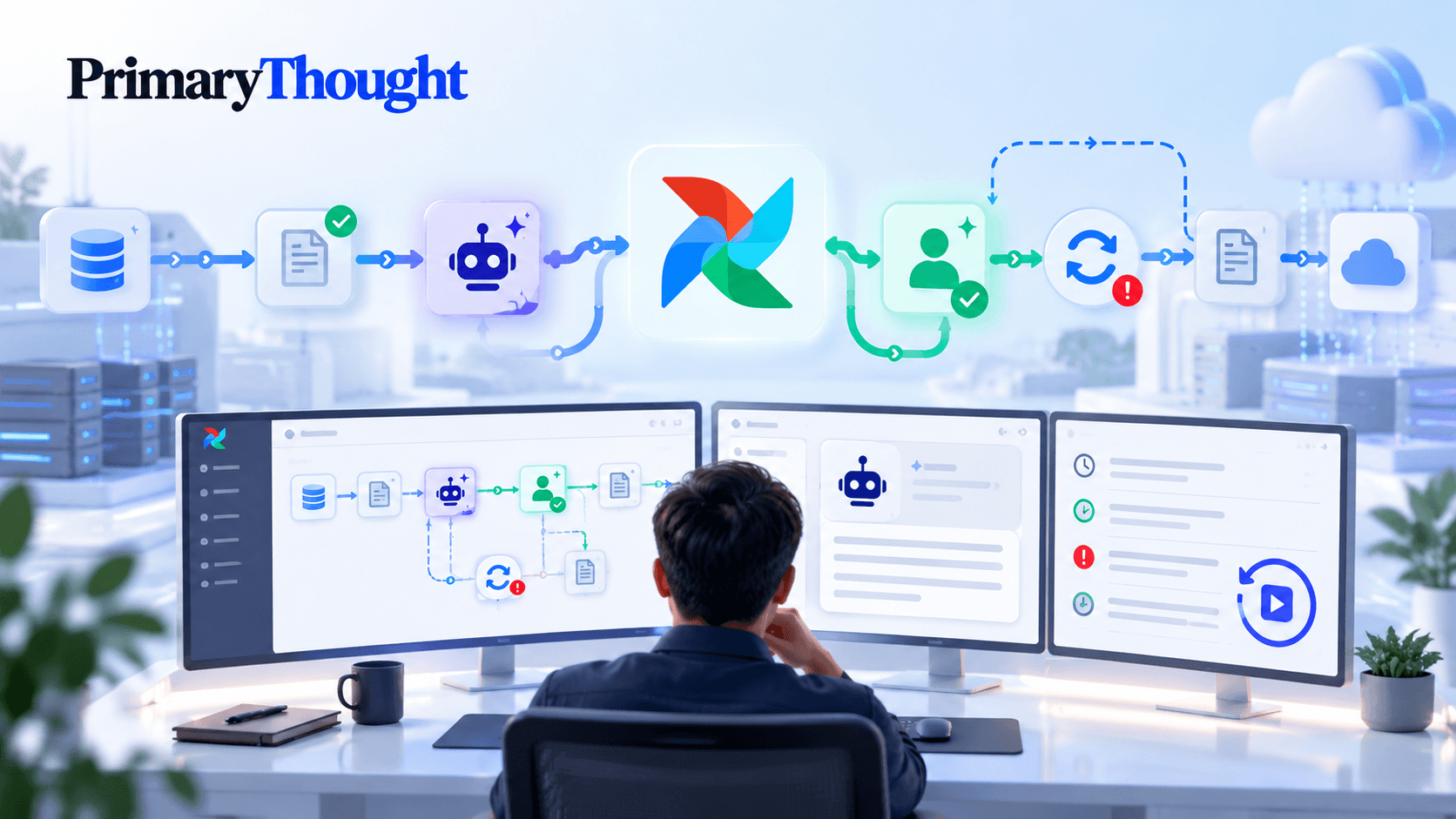
The Apache Airflow project has released version 1.0 of its Common AI provider, a package that allows data teams to run language model requests and AI agents as regular Airflow tasks. The release was announced on the project's blog on 19 October 2026. While the package supports AI model integrations, its main focus is on making AI agents easier to manage. Key features include human approval steps, AI-assisted retry decisions and the ability to replay agent runs. These features aim to make AI agents more reliable and easier to control within data pipelines, rather than leaving them to run as standalone scripts.
What the Provider Does
According to the Airflow announcement, the package is called apache-airflow-providers-common-ai. It requires Airflow 2.11 or later and Python 3.11 or later. It supports OpenAI, Anthropic, Google and Amazon Bedrock through optional integrations, along with a separate SQL option. Most examples in the announcement use a Pydantic AI connection to store the API key and model name. The package includes 10 operators, 9 toolsets, 6 agent frameworks, 6 sandbox backends and 6 connection types, plus MCP support.
The official documentation confirms version 1.0.0 and explains how the package works. It allows data teams to run AI model requests and agents that use external tools as regular Airflow tasks. These are managed through Airflow connections, with safeguards such as approved database table lists and secret masking.
Agents as Tasks, With Safeguards
The main feature is the @task.agent decorator, or AgentOperator, which allows an AI agent to use tools repeatedly until it produces an answer. Toolsets control what the agent can access. The SQL toolset is read-only, and the allowed_tables setting blocks queries involving unapproved tables, including those using subqueries, CTEs, joins or information_schema. Another toolset gives agents access to selected Airflow hook methods while allowing developers to fix arguments that the model cannot change. Other features include read-only access to object storage, MCP tools with short-lived credentials and a way to reveal tools only when the model searches for them. According to the announcement, this last feature reduces input token usage.
The project also acknowledges the limits of these safeguards. Its documentation describes toolset restrictions as "an application-level guardrail rather than a security boundary" and recommends using a read-only database role for additional protection. Registered secrets are hidden in tool results, but unregistered secrets appearing in the data are not. This distinction matters for teams assessing how much protection the built-in safeguards actually provide.
Human Approval Without Blocking Workers
One useful feature is tool approval, available in Airflow 3.3. Developers can mark a tool with .approval_required() to pause a task before the tool runs. The request then appears in the Required Actions tab, where reviewers can approve or reject it. Rejection does not automatically fail the task. Instead, the reviewer's reason is passed directly to the agent as the tool's response, allowing it to continue. If approval takes too long, a timeout can either fail the task or deny the request. According to the announcement, paused tasks do not occupy worker slots, which is useful when reviews take time.
There are some limitations. Tool approval cannot be used with durable execution, chat-style review mode or sandboxes that create their own environments. In Airflow versions 2.11 through 3.2, calling a tool that requires approval causes the task to fail. The announcement also notes that Airflow 3.4 will allow tasks to pause at each step, so tools requiring approval should be safe to run more than once. Separately, Airflow 3.1 and later supports reviewing a model's final answer before it is accepted, allowing reviewers to approve or edit the response.
AI-Powered Retry Decisions
The release also introduces retry policies powered by language models. With LLMRetryPolicy, a model receives the error type and a masked error message. It then decides whether to retry the task, how long to wait and why. ClassifierRetryPolicy offers more control. The model selects from predefined error categories, each with fixed retry rules, so it cannot choose the delay itself. The system also supports minimum confidence thresholds, fallback policies for uncertain decisions and rules that work without a model if the AI call fails.
In the announcement's examples, a 403 error caused by a revoked API key failed immediately, while a 429 rate-limit error was retried after 60 seconds and succeeded. The reason was recorded in a retry_reason field. These policies can be used with any Airflow task, not just AI tasks. They require pluggable retry policies introduced in Airflow 3.3.0, released in July 2026.
Letting a model control retries also raises cost concerns, especially when tasks call paid APIs. The classifier-based option reduces this risk by keeping retry delays fixed. The release includes further limits: Airflow 3.3 tracks usage across all retries of a task, while a cost limit can restrict estimated spending in dollars. The API call that exceeds the limit is still billed.
Durable Execution and State Management
With durable=True, Airflow records each step an agent takes during a task. If the task needs to retry, completed steps can be replayed without running them again. In the announcement's example, 13 steps were replayed in about 50 milliseconds without repeating SQL queries. Normal execution resumed when a step's request fingerprint changed. However, replay restores recorded results, not the actions themselves. If a tool performs an action and then fails, it may run again. Tools that change data or trigger actions must therefore be safe to run more than once.
This feature builds on the task and asset state store introduced in Airflow 3.3.0. The release added a key-value store that allows tasks to save information across retries and runs, using the metadata database by default. One example is the Spark submit operator reconnecting to an existing Spark job after a worker crash. On Airflow versions before 3.3, the Common AI provider uses a configured cache path instead.
What to Know Before Upgrading
According to the announcement, version 1.0 introduces several changes that may affect users upgrading from the 0.x releases. The agent_params argument has been replaced by model_settings and output_retries, and Python 3.10 is no longer supported. Azure, Bedrock and Vertex connection types now use underscores instead of hyphens, so older connections must be recreated. Setting allowed_tables to None or an empty list now causes an error. On Airflow 3.3 and later, usage limits also apply across retries, meaning existing limits may need adjusting.
The announcement also separates stable features from experimental ones. Stable features follow semantic versioning and include core operators, tool approval, output review, durable execution, SQL, hook, object storage and MCP toolsets, along with both retry policies. Sandboxes, framework adapters, Agent Skills support, tracing and managed-agent integrations remain experimental and may change in future minor releases.
Why It Matters
For data engineers, AI agents can use Airflow's scheduling, logging, connections, access controls and audit trails. The provider adds token usage, cost summaries and task history. OpenTelemetry tracing for generative AI remains experimental. Teams running agents through cron jobs or notebooks may lack the same monitoring and control.
There are limitations, too. The most advanced features require Airflow 3.3 or later, and some features cannot be used together. The project also makes clear that its built-in safeguards are not a replacement for proper security controls. These details come from Airflow's own documentation, and the announcement provides no independent benchmarks to verify reliability or cost savings.
What to Watch Next
Airflow 3.4 is expected to introduce agent steps that can pause again for approval, along with a new AI Model tab. Teams using the provider should also watch how experimental features, such as sandboxes and framework adapters, develop. Another important question is whether AI-assisted retry policies work reliably in real-world applications. An error classified incorrectly could lead to unnecessary costs or cause a task to stop before completion.
Frequently Asked Questions
What is the Airflow Common AI provider?
A package that runs LLM calls and tool-using agents as Airflow tasks, configured via Airflow connections.
What does it require?
Airflow 2.11 or later and Python 3.11 or later, per the project announcement. Some features need Airflow 3.1 to 3.3.
How does tool approval work?
On Airflow 3.3, a marked tool pauses the task for a reviewer to approve or reject, without holding a worker slot.
Are the guardrails a security boundary?
No. The project's documentation calls them an application-level guardrail and recommends a read-only database role.
Related articles
 Data Engineering & MLOps
Apache Iceberg 1.12.0: Removals, Variant and Geospatial
Iceberg 1.12.0 drops Spark 3.4 and Flink 2.0, removes deprecated APIs and extends variant, geospatial and v4 spec support. Here is what to check before upgrading.